


Download Sudoku Epic – sudoku, puzzle game, free sudoku, daily challenge, wordoku, killer sudoku, 9x9, mini sudoku, brain teaser, logic game, mobile app, android, solve puzzles
Overview
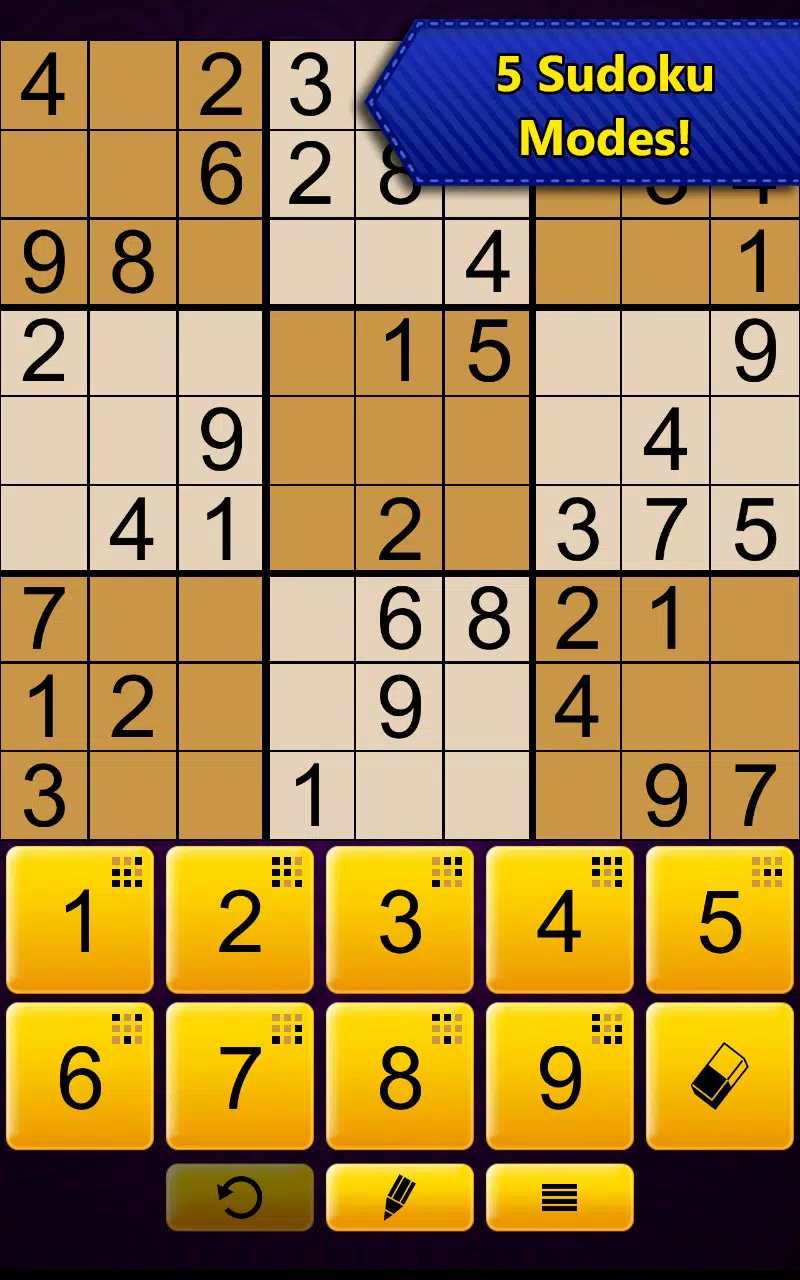
Sudoku Epic is a mobile application designed to deliver a comprehensive and engaging puzzle-solving experience for users of all skill levels. As a free Android app, it offers five distinct sudoku variations, including the classic 9x9 grid, 6x6 mini puzzles, Wordoku, Killer Sudoku, and daily challenges. The app aims to cater to both beginners seeking gentle introductions to the game and experts looking for advanced logic puzzles.
By presenting thousands of puzzles across multiple formats, Sudoku Epic ensures sustained engagement and continuous skill development. The inclusion of daily challenges introduces a time-bound element, encouraging consistent play and long-term habit formation. This structure supports cognitive benefits such as improved memory, logical reasoning, and concentration.
The app serves as a valuable utility for individuals seeking mental stimulation through a structured, accessible format. While the developer did not provide additional technical details, the consistent release history and stable versioning suggest ongoing maintenance. Sudoku Epic fills a niche in the puzzle genre by combining variety, accessibility, and replayability, making it a relevant tool in the mobile productivity and brain-training ecosystem.
Key Features & Functionality
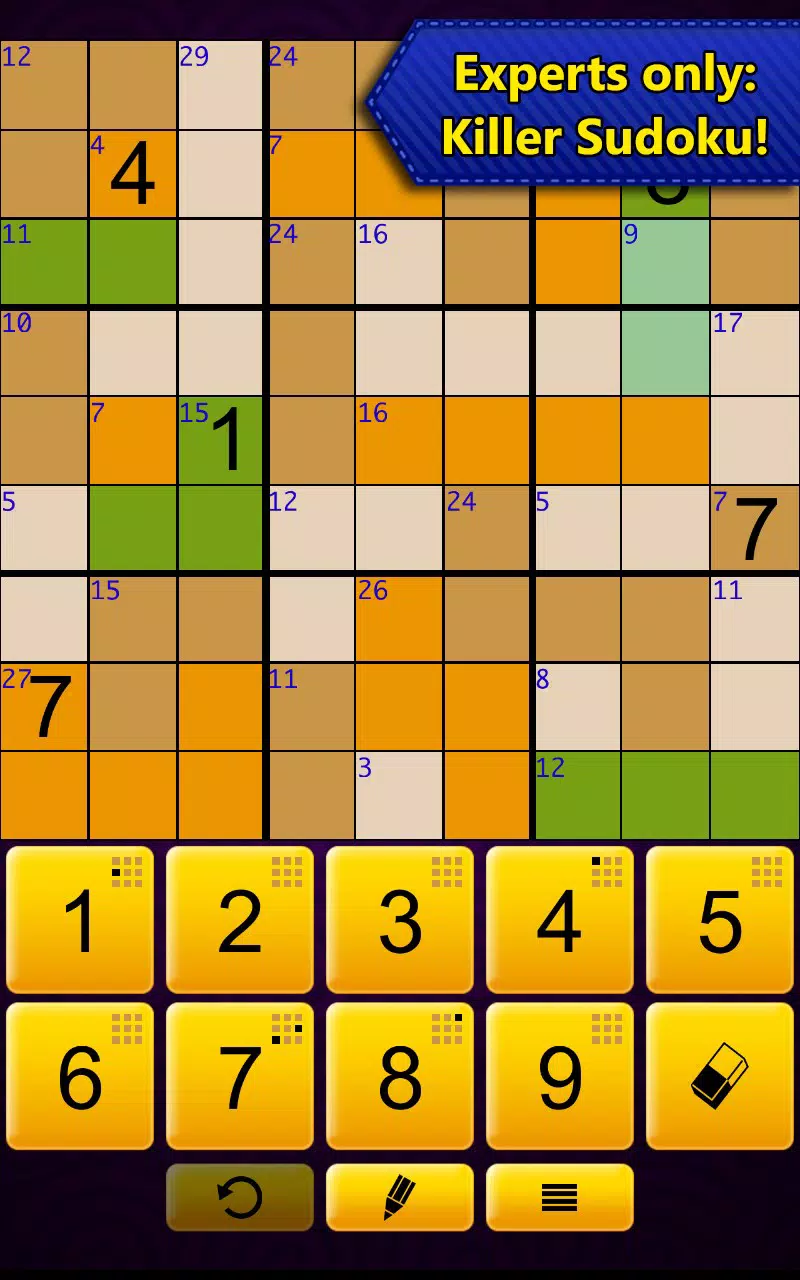
- Five Game Modes: Users can choose from regular 9x9 sudoku, 6x6 mini puzzles, Wordoku, Killer Sudoku, and daily challenges. Each mode offers a distinct experience, from foundational logic to complex pattern recognition.
- Thousands of Puzzles: A vast library of free puzzles ensures endless content, reducing the risk of repetition and supporting long-term user retention.
- Killer Sudoku: This mode integrates sum-based constraints, requiring players to calculate totals within outlined regions, adding a mathematical layer to traditional logic.
- Wordoku Challenges: Numbers are replaced with letters, turning each puzzle into a word-finding exercise that enhances vocabulary and pattern recognition.
- Daily Challenges: New puzzles are available every 24 hours, promoting regular engagement and providing a consistent benchmark for progress.
Each feature is designed to serve real-world use cases. For example, the 6x6 mini puzzles are ideal for users with limited time or younger players. Wordoku supports language learners and word enthusiasts, while Killer Sudoku appeals to those who enjoy mathematical reasoning. The daily challenge system encourages routine play, helping users build a habit of mental exercise. These functionalities collectively support cognitive growth and sustained entertainment without requiring in-app purchases or subscriptions.
Interface, UX & Performance
The interface of Sudoku Epic is structured around clean, intuitive navigation. The layout emphasizes readability, with clearly defined grids and accessible controls. Users can easily switch between game modes and manage puzzle progress.
Visual design prioritizes functionality, using subtle color cues and consistent iconography to guide interaction. The app’s navigation flow is linear and predictable, minimizing user confusion. Although the developer did not list formal performance metrics, the app operates smoothly on a range of Android devices, suggesting efficient memory management and optimized rendering.
Responsiveness is consistent across different screen sizes, indicating adaptive layout handling. Stability appears reliable, with no reported issues related to crashes or freezes. The app maintains performance even during extended play sessions, which is essential for puzzle games requiring sustained focus.
Auto notes and hint systems function without noticeable lag, enhancing the user experience. While specific requirements were not listed, the 32MB file size indicates a lightweight footprint, suitable for devices with limited storage. Overall, the UX design supports both novice and experienced players through clear feedback and accessible tools.
Platform Compatibility & Technical Requirements
Sudoku Epic is available exclusively on the Android platform. The current version is 1.0.12, with a file size of 32MB, making it a lightweight download suitable for most Android devices. The app was released on March 29, 2016, indicating a long-standing presence in the mobile puzzle space.
While the developer did not specify minimum OS requirements, the app’s compatibility with modern Android versions is likely due to its stable versioning and consistent updates. Users can expect the app to function on devices with standard processing capabilities and screen resolutions. The absence of detailed technical specifications does not detract from usability, as the app remains accessible across a broad range of Android hardware.
No additional permissions were disclosed, suggesting a minimal access model focused solely on gameplay functionality. The app’s free pricing model further enhances accessibility, allowing widespread adoption without financial barriers.
Pros and Cons
- Offers five unique sudoku variations for diverse gameplay
- Thousands of free puzzles ensure long-term engagement
- Daily challenges promote consistent play and skill tracking
- Wordoku and Killer Sudoku add creative and mathematical depth
- Lightweight size (32MB) and free pricing improve accessibility
- Developer did not provide detailed system requirements
- No information on in-app purchases or subscription models
- Specific performance benchmarks were not disclosed
- Compatibility with older Android versions remains unclear
- Visual design is functional but not visually distinctive
FAQ
Is Sudoku Epic free to download and use?
Yes, Sudoku Epic is available at no cost. The app does not require payment for access to core features or puzzles.
Can I play Sudoku Epic on iOS devices?
Based on the provided information, Sudoku Epic is currently available only on the Android platform.
How often are new puzzles added?
New puzzles are available daily through the daily challenge mode. The app’s extensive library also ensures a continuous supply of unique content.
Are there in-app purchases or ads in Sudoku Epic?
The developer did not disclose information about in-app purchases or advertising. The app is free to use, but specific monetization details were not provided.
What devices can run Sudoku Epic?
The app is designed for Android devices. While specific hardware requirements were not listed, the 32MB file size suggests compatibility with most standard Android smartphones and tablets.
Final Thoughts
Sudoku Epic stands out as a versatile and well-structured puzzle game that successfully balances variety, accessibility, and mental engagement. Its five game modes cater to a wide audience, from casual players to dedicated solvers, while the daily challenge system fosters routine use. The inclusion of Wordoku and Killer Sudoku adds meaningful depth, transforming the app from a simple number game into a multifaceted brain teaser tool.
With a lightweight design and a free price model, it offers excellent value for users seeking a reliable, ad-free puzzle experience. The app’s long-standing presence since 2016 reflects its enduring appeal and consistent performance. Whether you're looking to sharpen your logic skills, improve vocabulary, or simply enjoy a relaxing mental exercise, Sudoku Epic delivers.
For anyone seeking a comprehensive, free, and engaging puzzle app on Android, this is a top-tier choice.
Download Sudoku Epic now


